Your website might look fine to you. The real question is whether it turns visitors into calls, messages and visits. These five signs usually mean it doesn't, and each one has a fairly simple fix.
1. It takes too long to load on a phone
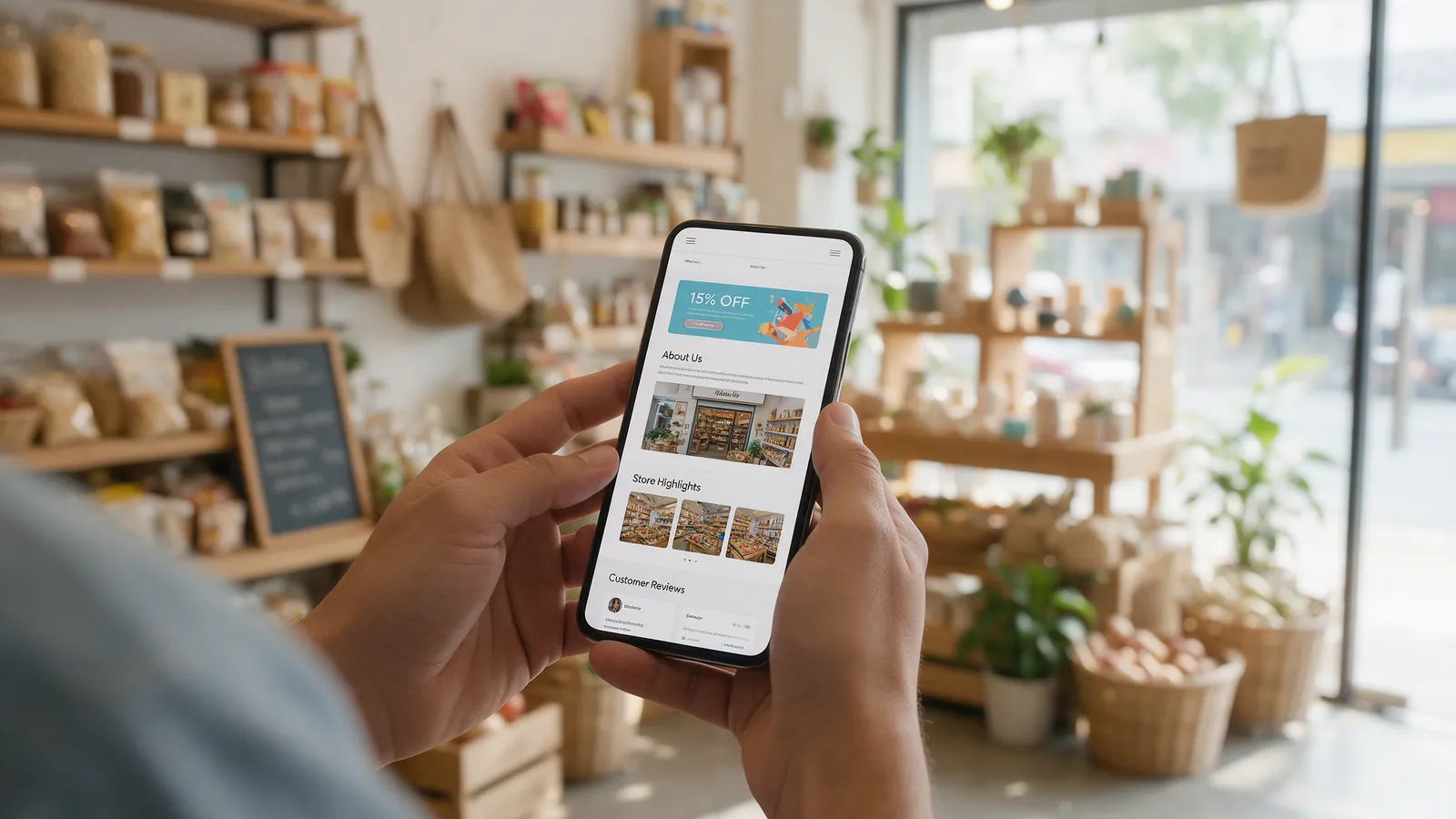
Open your site on your phone using mobile data, not office wifi. If you're waiting for the page to appear, so are your customers, and many of them won't wait. Oversized images, too many plugins and cheap hosting are the usual causes.
The fix: compress your images, remove what you don't use, and test with Google's free PageSpeed Insights tool.
2. People can't find how to contact you
If someone has to scroll to the bottom of the page to find your number, you're making them work for it. On a phone, the easiest next step is a tap to call or a tap to WhatsApp.
The fix: keep a call or WhatsApp button visible at all times, and repeat your main call to action on every page.
3. It doesn't say what you do in the first few seconds
Visitors decide quickly whether they're in the right place. A vague headline like “Welcome to our website” wastes that moment.
The fix: say clearly what you do, who it's for and where you are, right at the top. “Physiotherapy clinic in Jalandhar for sports injuries and back pain” tells people straight away.
4. The information is out of date
Old prices, services you no longer offer, last year's opening hours, or photos of a shop you've since renovated all make people hesitate. If one thing is wrong, they start to wonder what else is.
The fix: review the site every few months, and make sure you can update text and images yourself without waiting on a developer.
5. It looks like a template
Generic stock photos and a layout shared with thousands of other sites make it hard to stand out. People want to see your space, your team and your actual work.
The fix: replace stock images with real photos, and add proof such as reviews, before-and-after photos or examples of past projects.
Do you need a new website?
Not always. Speed, contact buttons and clearer headlines can often be fixed on the site you already have. A rebuild makes sense when the site is hard to update, slow at its core, or no longer reflects your business.
If you're not sure which camp you're in, book a free consultation and we'll give you an honest answer.
Key takeaways
- Test your site on your phone using mobile data, not office wifi.
- Keep a call or WhatsApp button visible on every page.
- Say what you do, who it's for and where you are in the first line.
- Keep information current and swap stock photos for real ones.