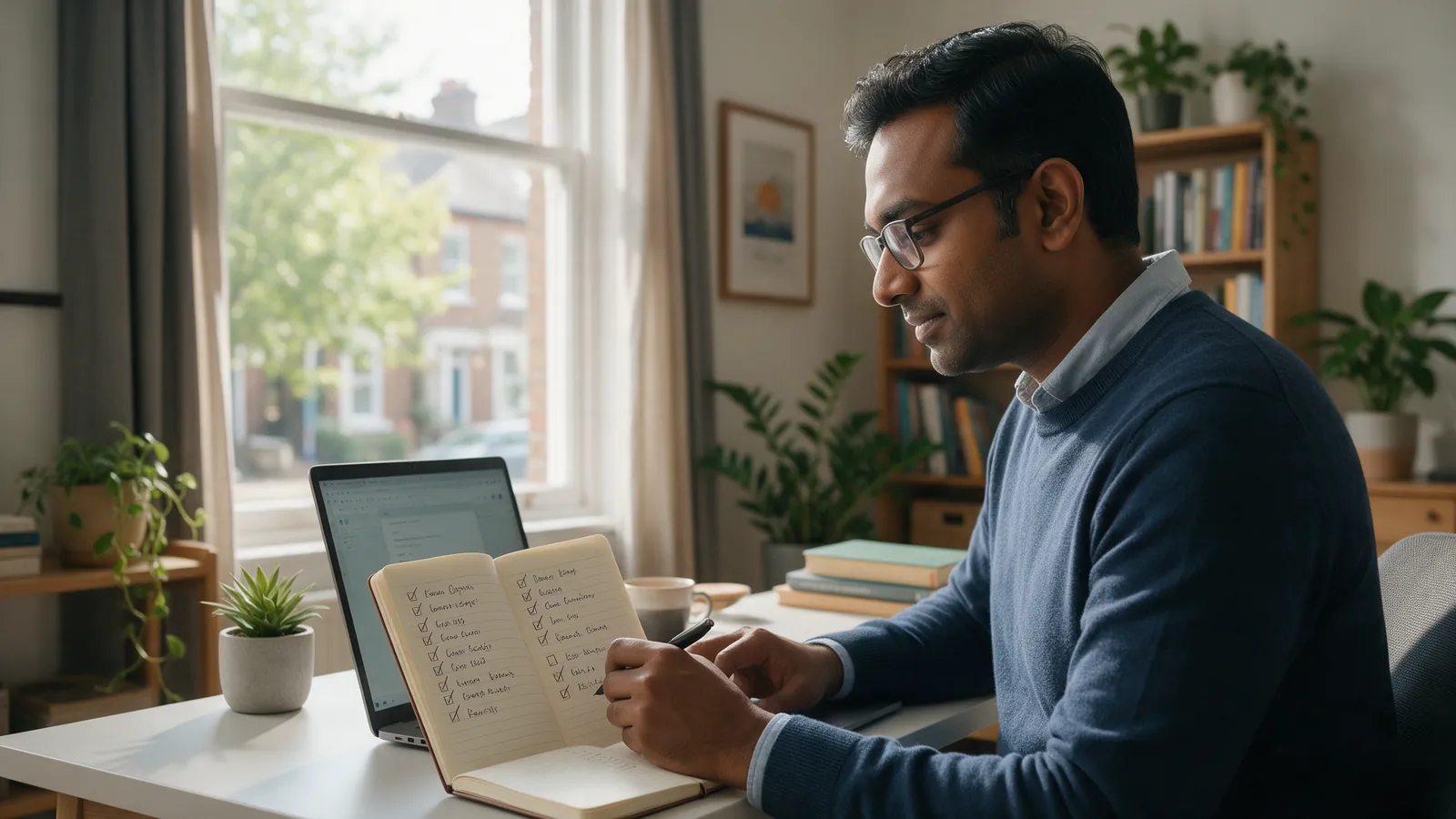
SEO advice online is often written for big companies with big budgets. If you run a local business, you need something simpler: a short list of things that help Google understand your website and show it to people nearby. This is the checklist we start with.
1. Give every page one clear job
Each page on your site should be about one thing. Your homepage introduces the business, and each main service gets its own page. If one page tries to cover everything, Google struggles to know which search it should rank for.
2. Write titles people would actually search
The page title, the blue headline in Google's results, is one of the strongest signals you control. Include the service and the city, and keep it readable. “Skin Clinic in Jalandhar | Glow Skin Care” works far better than “Home”. Write a meta description for each page too: one or two sentences that make someone want to click.
3. Use headings properly
Use one main heading (H1) per page that says what the page is about, then smaller headings for each section. Headings help readers scan the page, and they help Google understand how it's organised.
4. Make it fast on phones
Most local searches happen on a phone, often on mobile data. Large images are the most common cause of slow pages, so resize and compress them before uploading, and remove plugins or scripts you no longer use. You can test any page for free with Google's PageSpeed Insights.
5. Mention your location naturally
Say where you are and which areas you serve, in your page text, your footer and your contact page. There's no need to repeat the city name in every sentence. A clear address, the areas you cover and a few local references are enough.
6. Answer the questions customers ask
Think about what people ask you on the phone:
- How much does it cost?
- How long does it take?
- Do you offer home visits?
Answer those questions on your service pages or in short articles. These pages often match exactly what people type into Google.
7. Connect your website and Google Business Profile
Link to your website from your Google Business Profile, and make sure the name, address and phone number match exactly on both. For a local business, the two work together.
8. Set up Google Search Console
Search Console is free. It shows which searches your site appears for, how often people click, and any problems Google finds. Without it, you're guessing.
What to expect
SEO builds over time. Fixing titles, speed and your Google profile can help fairly quickly, while ranking for competitive searches usually takes longer. What matters most is getting the basics right and steadily adding useful pages.
Not sure where your site stands? Book a free consultation and we'll go through this checklist with you.
Key takeaways
- Give every page one clear job, with its own title and headings.
- Write page titles that include your service and your city.
- Make the site fast on phones, starting with image sizes.
- Answer the questions customers already ask you, and set up Google Search Console.